Visual fretboard
Watch every matching position light up when you play a note and connect what you hear to what you see.
Connect your guitar or use a microphone. GuitarRun listens to each note and shows where it lives on the fretboard—so scales become music, not just shapes.
No download · No payment · Audio stays on your device
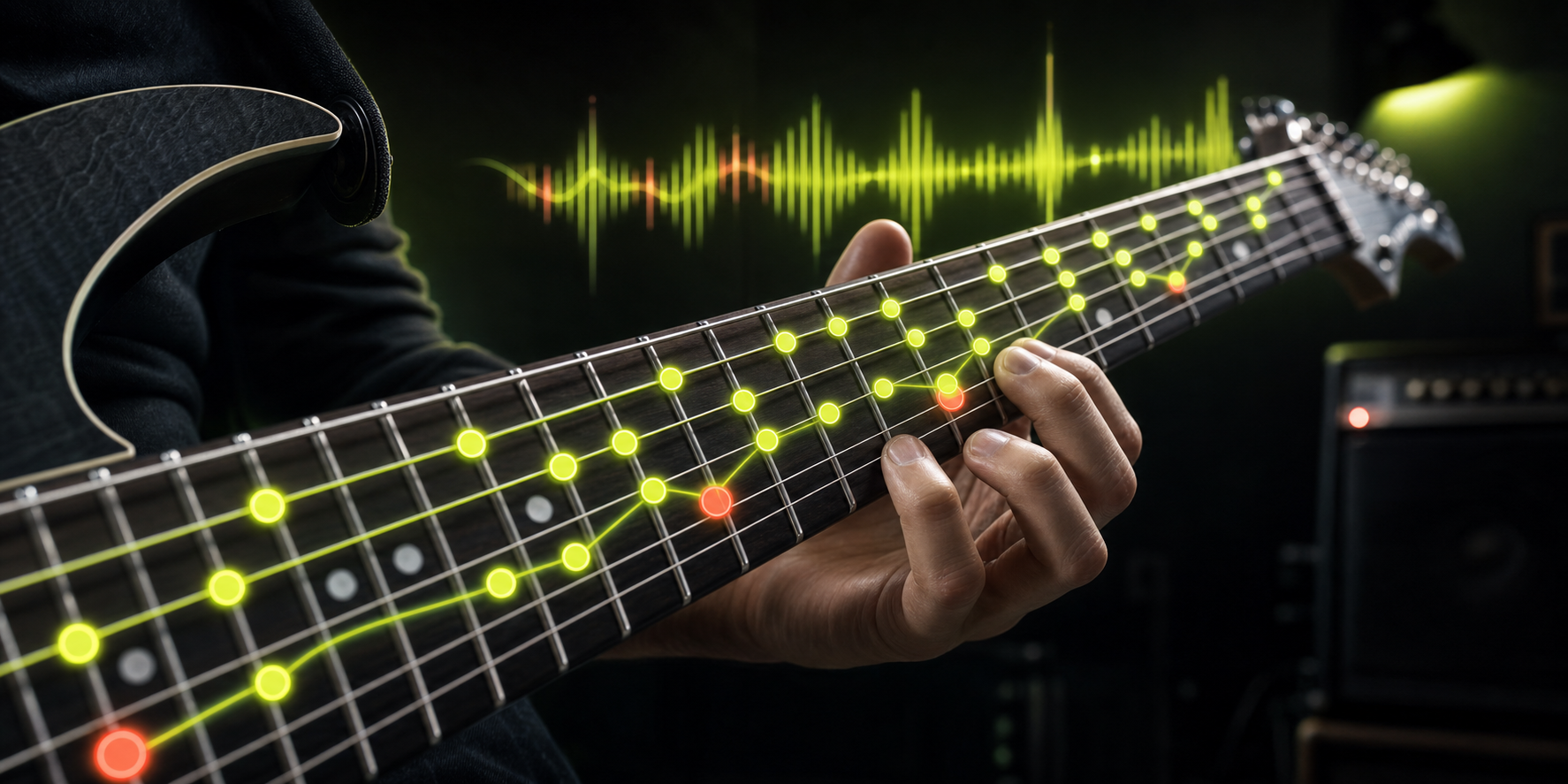
Most diagrams show you a shape. GuitarRun turns that shape into an active exercise with timing, note recognition, position changes, and feedback while you play.
Watch every matching position light up when you play a note and connect what you hear to what you see.
Choose a key, scale, position, and tempo. Follow the target notes through focused practice modes.
Measure accuracy, timing, misses, and combos so each session has a clear goal and visible progress.
Use an audio interface, your device microphone, or demo mode. The pitch analysis happens locally in your browser.
Connect an electric guitar directly for a clean, stable signal and the best Marathon response.
Start quickly with an acoustic guitar or clean amplifier in a quiet room.
Plug in your guitar or place your device near your amp.
Select a key, scale position, practice mode, and comfortable tempo.
Follow the highlighted notes and use the feedback to tighten your timing.
Yes. You can open the trainer and begin practicing in your browser without paying or installing software.
No. An audio interface gives a clean signal, but you can also use your device microphone near an acoustic guitar or amplifier.
No. Pitch detection runs on your device, and your audio is not uploaded.
You can practice major, minor, pentatonic, multi-position, timing, root-note, memory, and fretboard-navigation exercises.
Pick a scale, set the tempo, and play your first note.
Start practicing free →